Your year in sport
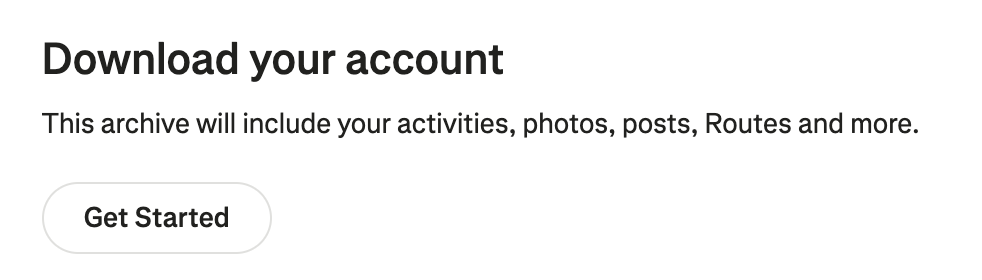
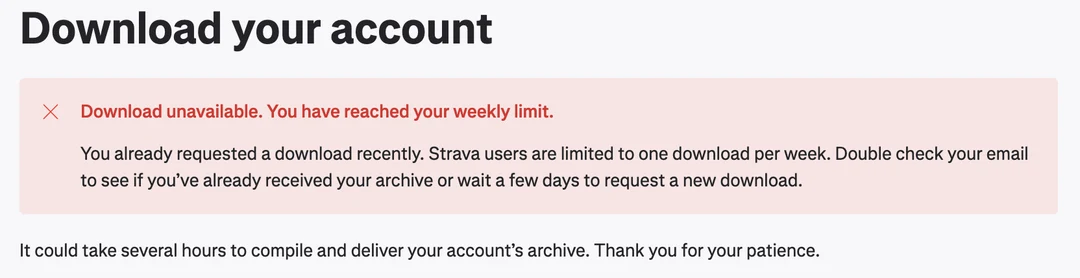
Every activity you recorded, read straight from the archive Strava lets you download: distance and time, climbing, streaks, records, best efforts, the places you went.
A made-up year, to see the page before you request your own archive.
Your data never leaves this device
- Nothing is uploaded: there is no server to upload to. Your browser opens the archive and works out every figure on this computer.
- No account, no cookies, no analytics.
- The page is only allowed to contact its own address and the map tile server, and the maps can be turned off.
Drop the export hereOpen the export
The zip as Strava sent it, or the folder it unzips to. Archives of several gigabytes are fine: only the files needed are read, never the photos.
With a folder, your browser may ask to “upload” it. That only lets this page read the files; nothing is sent anywhere.